Upgrading to a new smartphone is exciting—but moving your contacts, photos, apps, and files can feel stressful. Luckily, modern devices make the transfer process easier than ever.
Whether you’ve just bought a new Samsung, iPhone, Google Pixel, or Motorola, this step-by-step guide from Canadian Outlet will help you transfer everything from your old phone to your new one safely and quickly.
Step 1: Backup Your Old Phone
Before anything else, create a full backup of your old device. This ensures no important data is lost during the move.
For iPhone Users:
Go to Settings → [Your Name] → iCloud → iCloud Backup
Tap Back Up Now
For Android Users:
Open Settings → Google → Backup
Make sure Backup by Google One is turned ON
💡 Tip: You can also back up your photos and videos using Google Photos or iCloud Photos for easy syncing later.
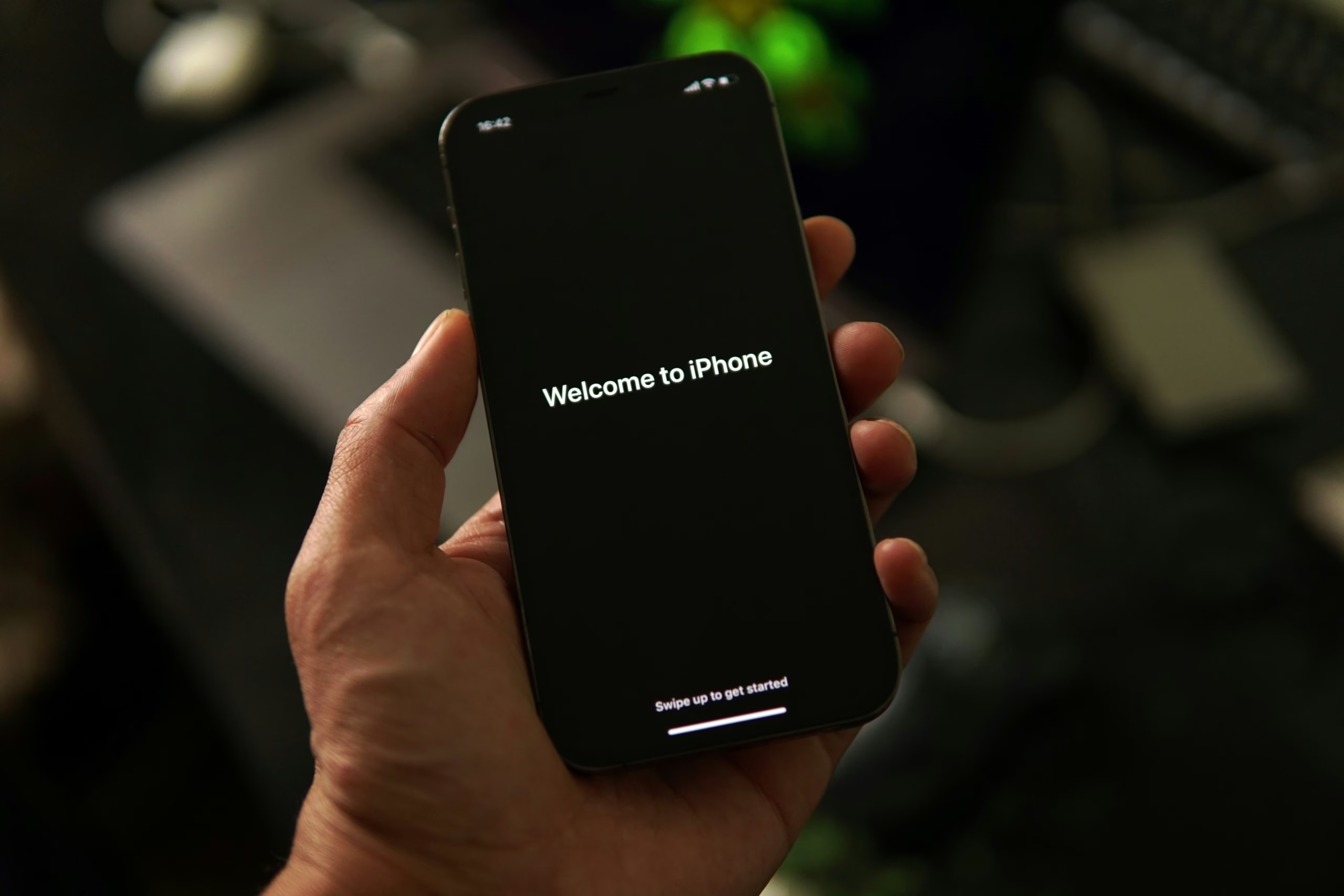
Step 2: Use a Smart Transfer App
Each brand offers its own data transfer app to make the process simple:
| Brand | App Name | Works For |
|---|---|---|
| Samsung | Smart Switch | Android / iPhone → Samsung |
| Apple | Move to iOS | Android → iPhone |
| Quick Switch Adapter | iPhone → Pixel | |
| Motorola | Migrate | Android → Motorola |
Just install the app on both phones, connect them via Wi-Fi or cable, and follow the on-screen instructions.
Step 3: Sign In & Sync
Once your new phone is set up, sign in to your Google or Apple ID to restore contacts, apps, and settings.
Your messages, photos, and notes will automatically reappear once syncing is complete.
Step 4: Move WhatsApp, Photos & Music
Some data types need manual transfer:
WhatsApp: Go to Settings → Chats → Chat Backup, then restore from backup on your new device.
Photos: Use Google Photos or iCloud to sync across devices.
Music: Sync your playlists using Apple Music, YouTube Music, or Spotify.

🛒 Need a New Device?
If you’re upgrading your phone, check out the latest smartphones available at Canadian Outlet, including:
Apple AirPods 4 ANC (Brand New) – Pair perfectly with your new iPhone.
Samsung Galaxy, Google Pixel, and Motorola Phones – Available at great prices for Canadian buyers.
✅ Final Thoughts
Transferring your data doesn’t have to be stressful. With smart transfer tools and cloud backups, your new phone can feel just like your old one—only faster and better.
Visit Canadian Outlet to explore the latest smartphones, accessories, and gadgets that make upgrading seamless and exciting.